

Browse DevSpaces
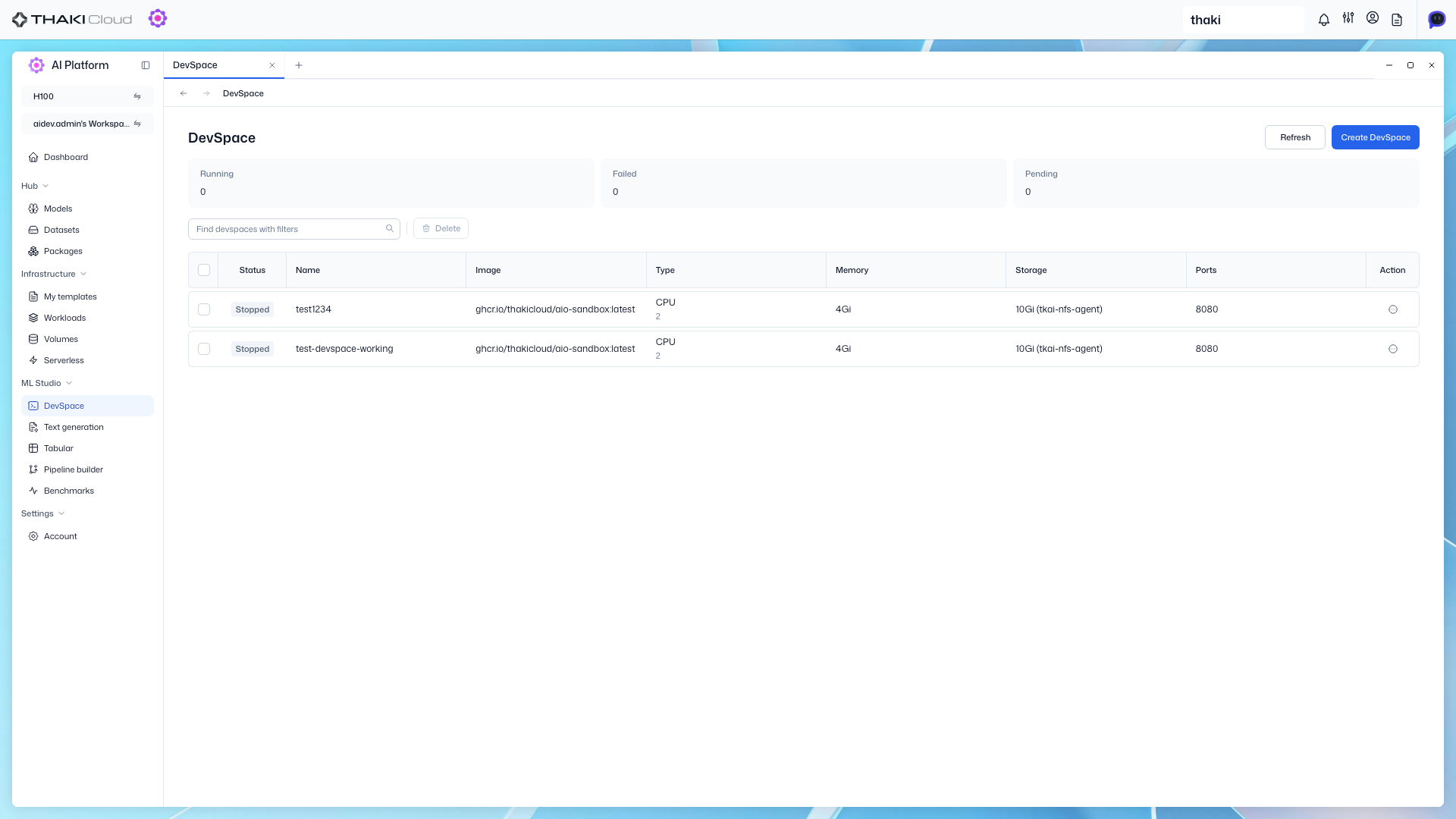
Browse the list of created DevSpaces and view access information.
Step 1. Go to DevSpace List
View the development environment list for your project and cluster in the DevSpace menu.
Filters
| Filter | Description |
|---|---|
| Name | Search by DevSpace name |
| Status | Filter by status |
Table Columns
| Column | Description |
|---|---|
| Name | DevSpace name |
| Status | Execution state (Running, Stopped, etc.) |
| CPU / Memory | Allocated computing resources |
| GPU Type | Allocated GPU type |
| Created at | Creation date/time |
| Actions | Web Access, Edit, Delete |
Step 2. Web Access
Click Action → Web Access to open a drawer with connection details.
| Item | Description |
|---|---|
| DevSpace Name | Name for reference |
| CPU / Memory / Storage | Allocated resources |
| GPU Type | Allocated GPU |
| Container Image | Path of the running container image |
| Access URL | Jupyter / VSCode web URL |