

Manage Members
Project members (users and user groups) are managed in the IAM app, not in AI Training. You can go straight to IAM from the Projects list.
Prerequisites
- An account with permission to manage the project
In the Management → Projects list, click Action (⋯) → Manage member on the project’s row.
Manage member
Project members are managed in the IAM app. This window takes you to IAM.
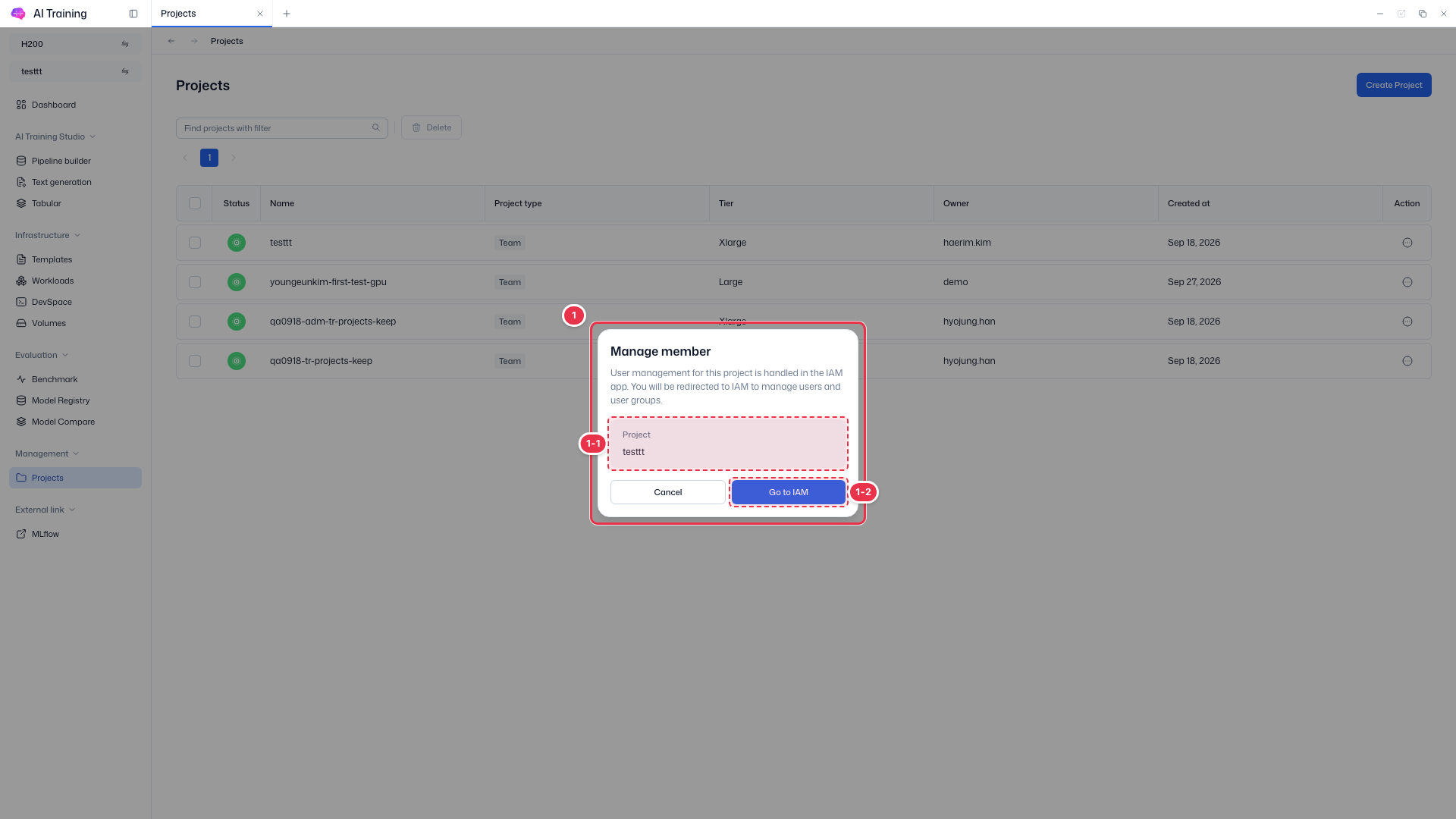
| No. | Feature | Item | Description |
|---|---|---|---|
| 1-1 | Project | Project | · The project whose members you manage. |
| 1-2 | Go to IAM | Go to IAM | · Opens the IAM app, where you add or remove users and user groups for this project. Cancel closes the window. |
To add users and user groups to a project in IAM, see IAM user groups.