

Orchestration services
A screen for checking the operational status of the Heat (orchestration) engine. Before running template-based automatic configuration (stack create/update/delete), check the availability and running location of the Heat engine.
- Path: Cloud Builder › System Info › Orchestration Services
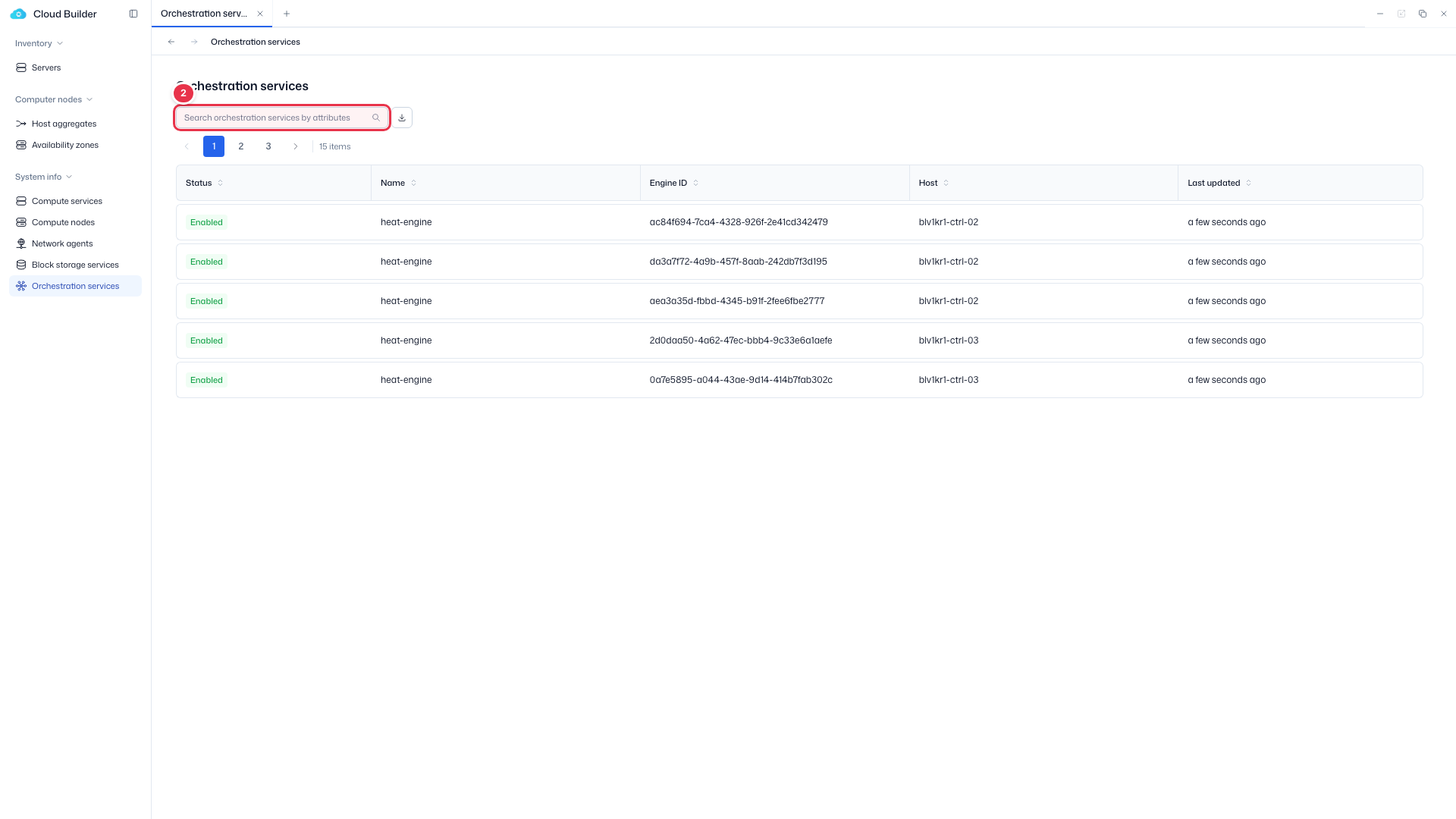
- Search: Attribute-based text search (default filter key: Name)
- Read-only — There is no Service Status (Enabled/Disabled); only Service State (Up/Down) is shown.
Sidebar (SNB)
From the left sidebar, move to each screen.
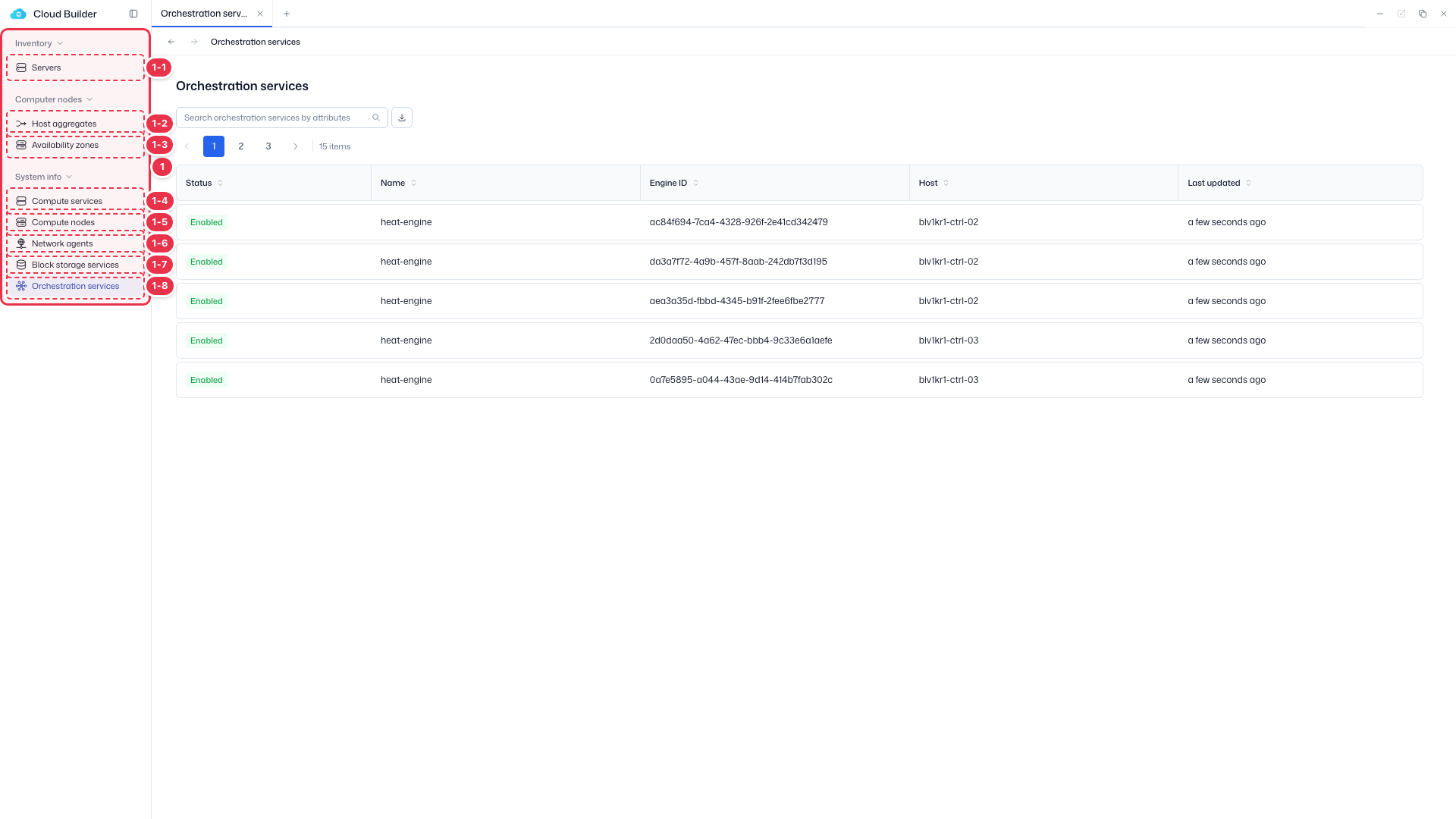
| No. | Feature | Item | Description |
|---|---|---|---|
| 1-1 | Servers | Servers | · Bare-metal server inventory (register, allocate, delete). |
| 1-2 | Host aggregates | Host aggregates | · Logical groups of hosts. |
| 1-3 | Availability zones | Availability zones | · Availability zones (AZ). |
| 1-4 | Compute services | Compute services | · Service endpoint status. |
| 1-5 | Compute nodes | Compute nodes | · Nodes, hypervisors, and resource providers. |
| 1-6 | Network agents | Network agents | · Neutron agent status. |
| 1-7 | Block storage services | Block storage services | · Cinder services and backends. |
| 1-8 | Orchestration services | Orchestration services | · Heat engine status. |
Search
Search the list by attribute.
List table
Heat orchestration engine status. Read-only (Service State only).
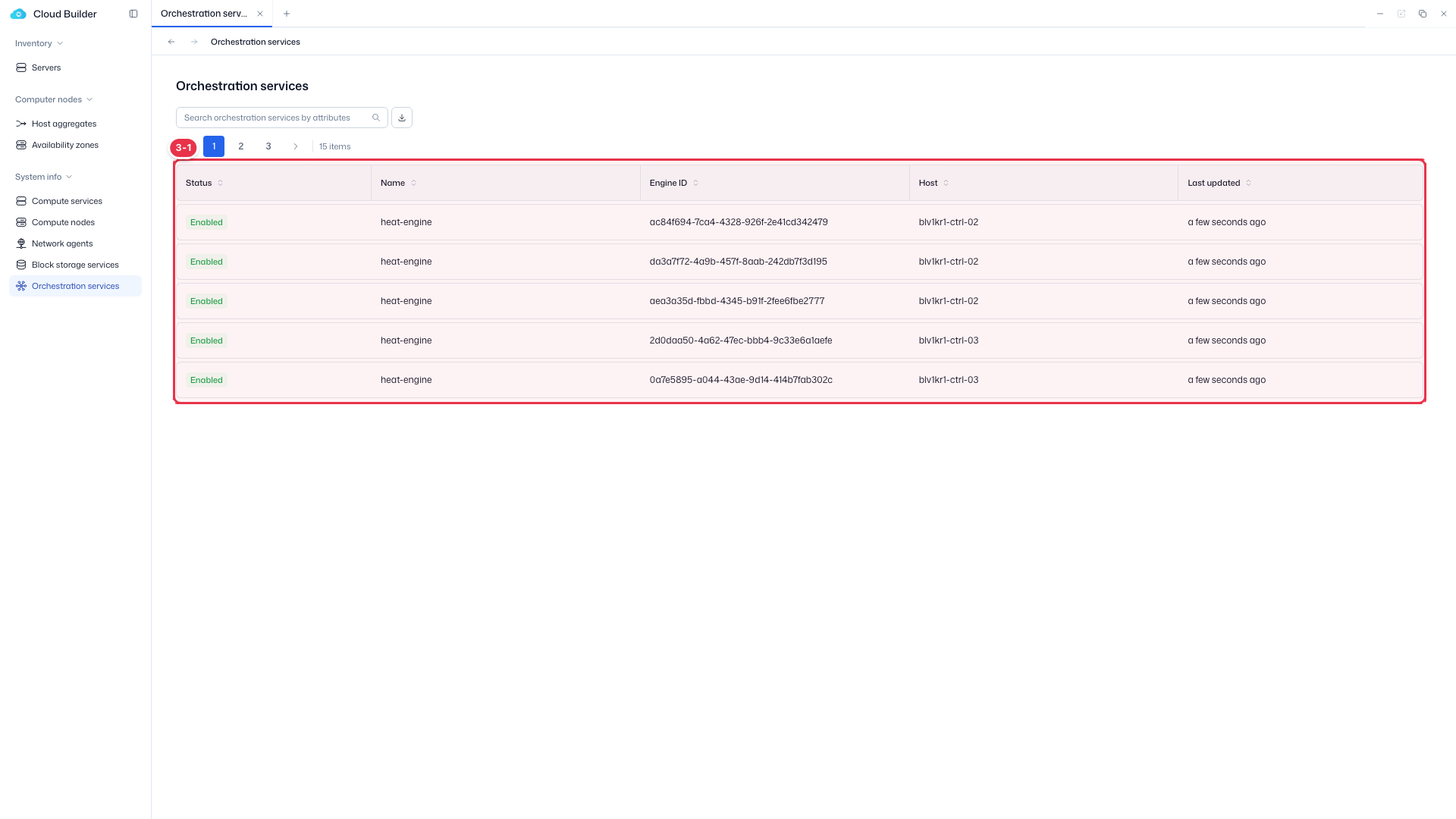
| No. | Feature | Item | Description |
|---|---|---|---|
| 3-1 | Columns | Status | 🟢 Up / 🔴 Down. |
| Name / Engine ID | heat-engine / engine UUID. | ||
| Host / Last updated | Running host / last update. |