

Event logs
The screen for reviewing events that occur in IAM (sign-in, account, policy changes, etc.).
- Path: IAM › Monitoring › Event logs
Sidebar (SNB)
From the left sidebar, move to each IAM screen (Home, System administrators, Domains, policies, Active sessions, Event logs).
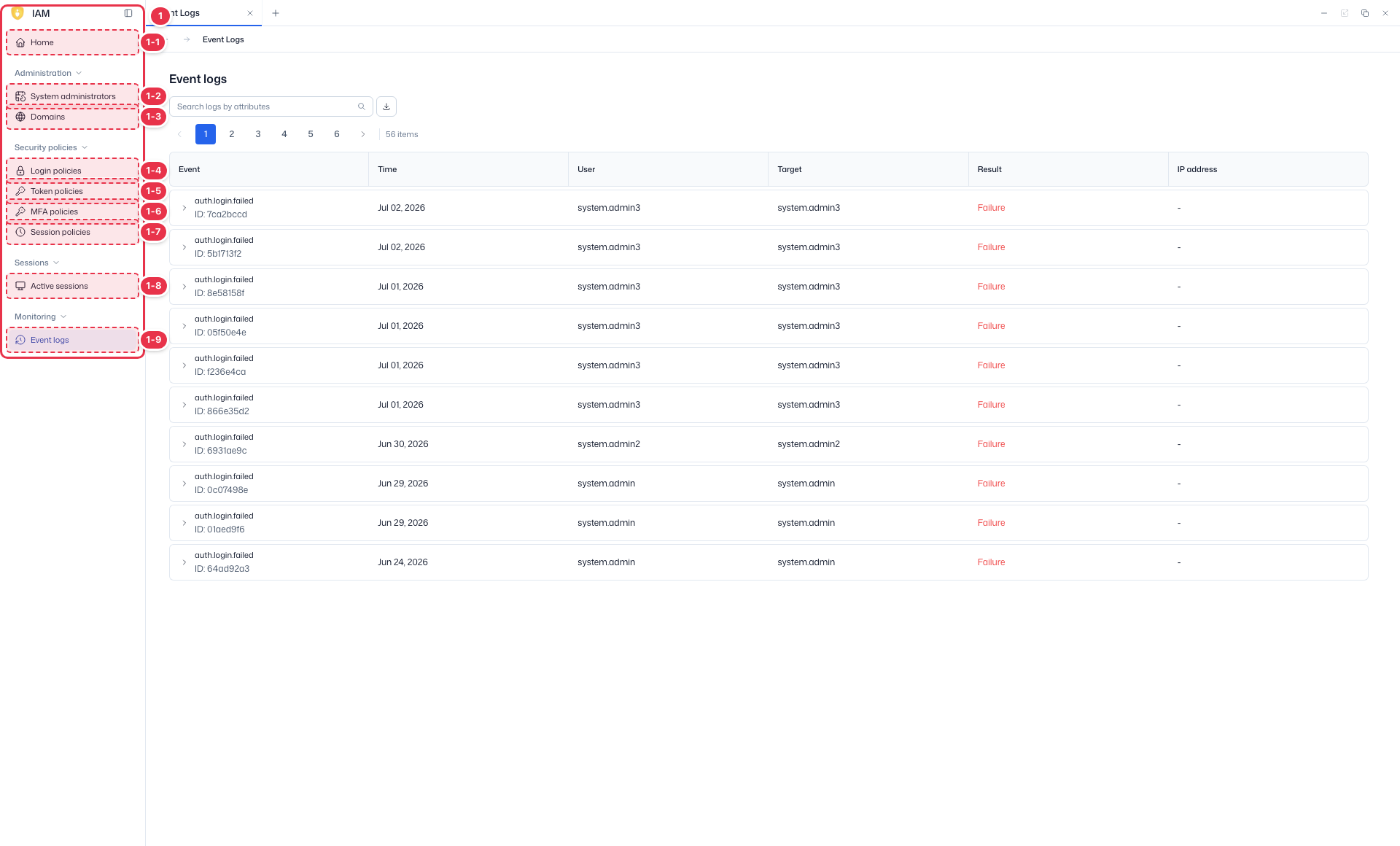
| No. | Feature | Item | Description |
|---|---|---|---|
| 1-1 | Home | Home | · Dashboard of domain status, authentication, users, and recent events. |
| 1-2 | System administrators | System administrators | · View, create, and delete system administrator accounts. |
| 1-3 | Domains | Domains | · View and create platform domains (tenants). |
| 1-4 | Login policies | Login policies | · Password and account lockout policies. |
| 1-5 | Token policies | Token policies | · General policies such as token lifetime. |
| 1-6 | MFA policies | MFA policies | · MFA enforcement and methods. |
| 1-7 | Session policies | Session policies | · General session policies such as session lifetime. |
| 1-8 | Active sessions | Active sessions | · View and terminate active sessions. |
| 1-9 | Event logs | Event logs | · View IAM event logs. |
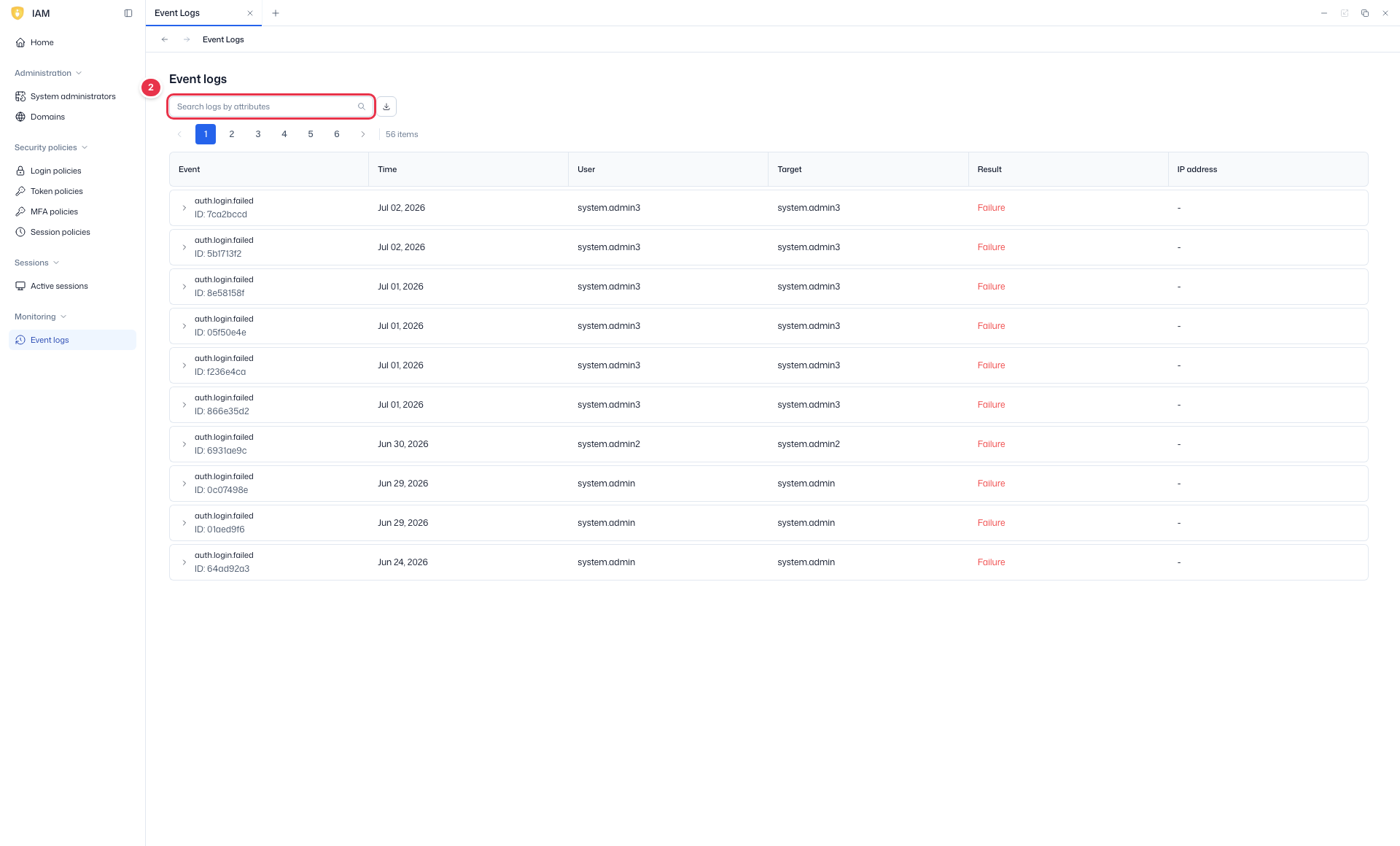
Search
Search the list by attribute.
List table
List of IAM event logs (read-only).
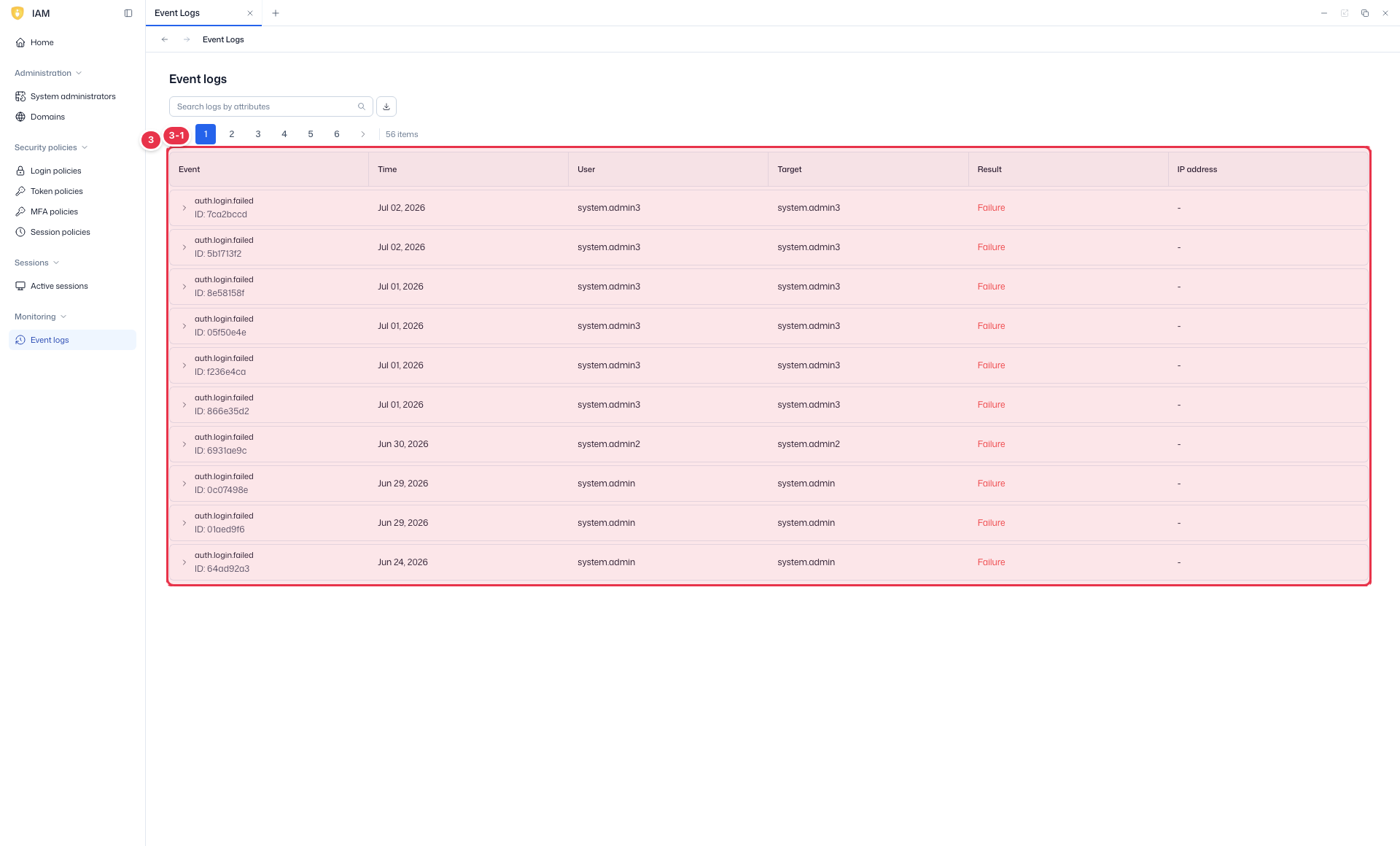
| No. | Feature | Item | Description |
|---|---|---|---|
| 3-1 | Columns | Event | Event type (Sign-in, etc.). |
| Time | Time of occurrence. | ||
| User / Target | Actor / target. | ||
| Result | Success/failure. | ||
| IP address | Source IP. |
Type attributes in the search box to narrow down events. For detailed platform-wide audit logs, see Audit.
Next steps
- Home — recent events summary
- Active sessions — manage active sessions