

Active sessions
The screen for viewing currently active login sessions and terminating them if needed.
- Path: IAM › Sessions › Active sessions
Sidebar (SNB)
From the left sidebar, move to each IAM screen (Home, System administrators, Domains, policies, Active sessions, Event logs).
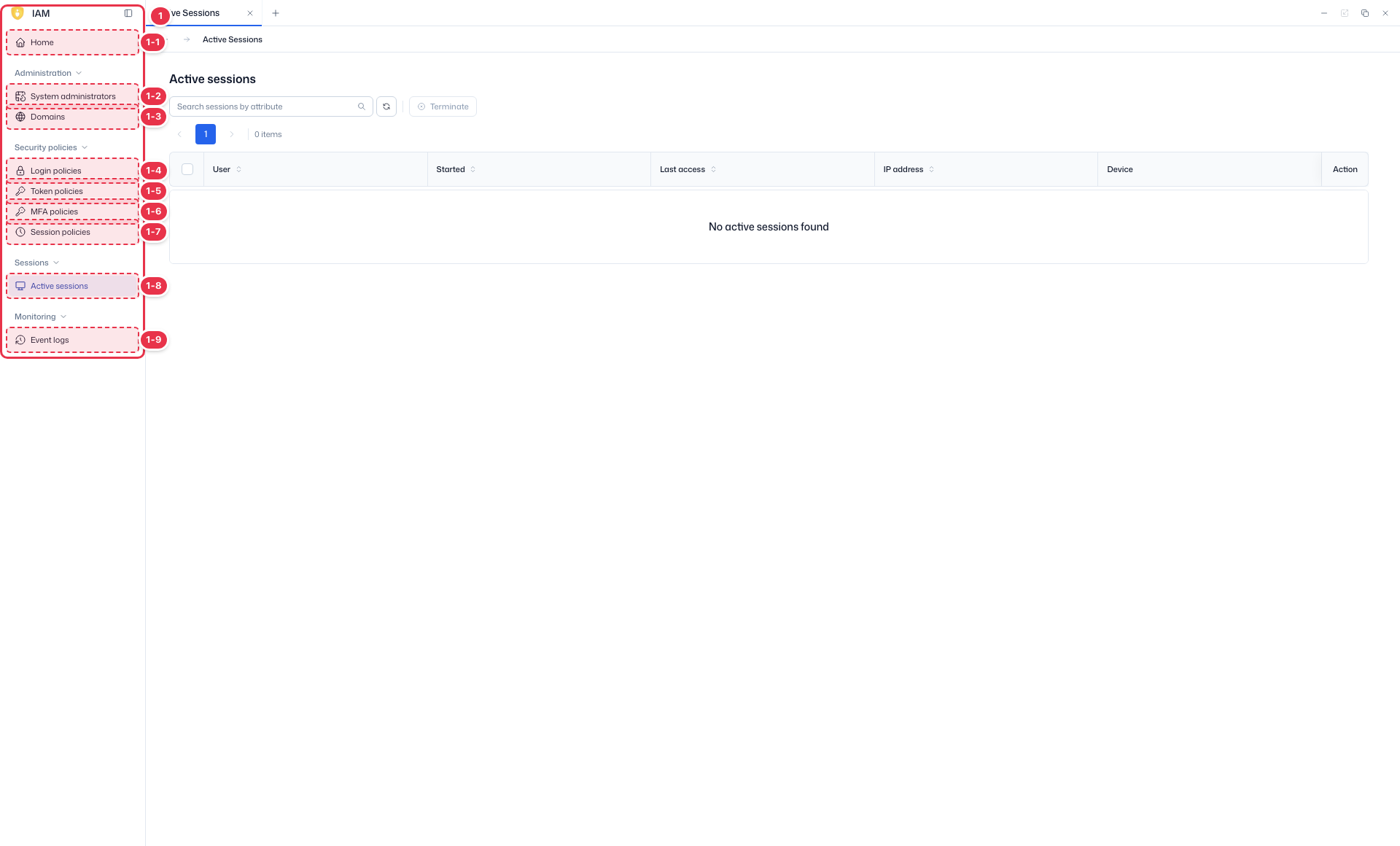
| No. | Feature | Item | Description |
|---|---|---|---|
| 1-1 | Home | Home | · Dashboard of domain status, authentication, users, and recent events. |
| 1-2 | System administrators | System administrators | · View, create, and delete system administrator accounts. |
| 1-3 | Domains | Domains | · View and create platform domains (tenants). |
| 1-4 | Login policies | Login policies | · Password and account lockout policies. |
| 1-5 | Token policies | Token policies | · General policies such as token lifetime. |
| 1-6 | MFA policies | MFA policies | · MFA enforcement and methods. |
| 1-7 | Session policies | Session policies | · General session policies such as session lifetime. |
| 1-8 | Active sessions | Active sessions | · View and terminate active sessions. |
| 1-9 | Event logs | Event logs | · View IAM event logs. |
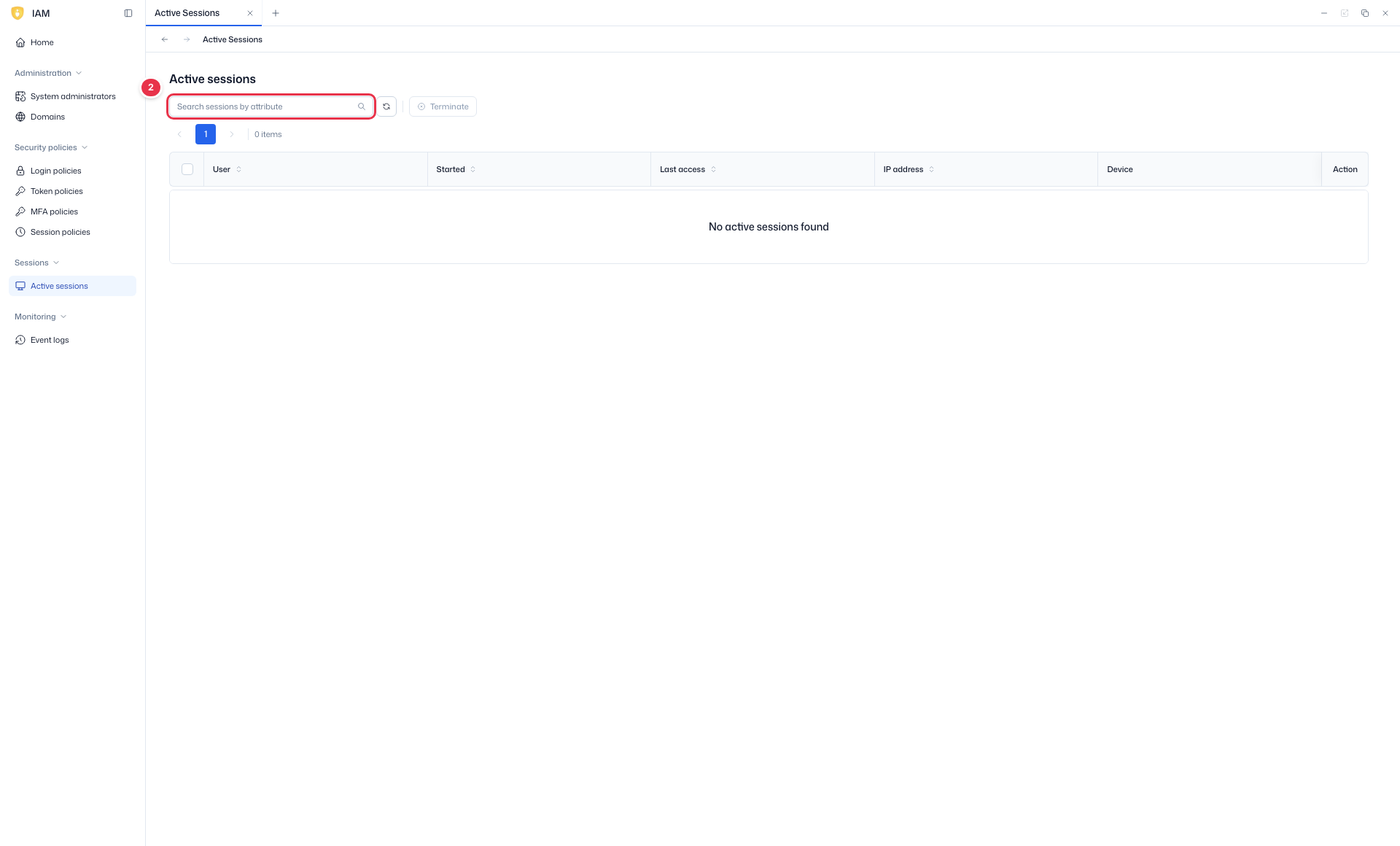
Search
Search the list by attribute.
List table
List of active sessions. Terminate a session from its row.
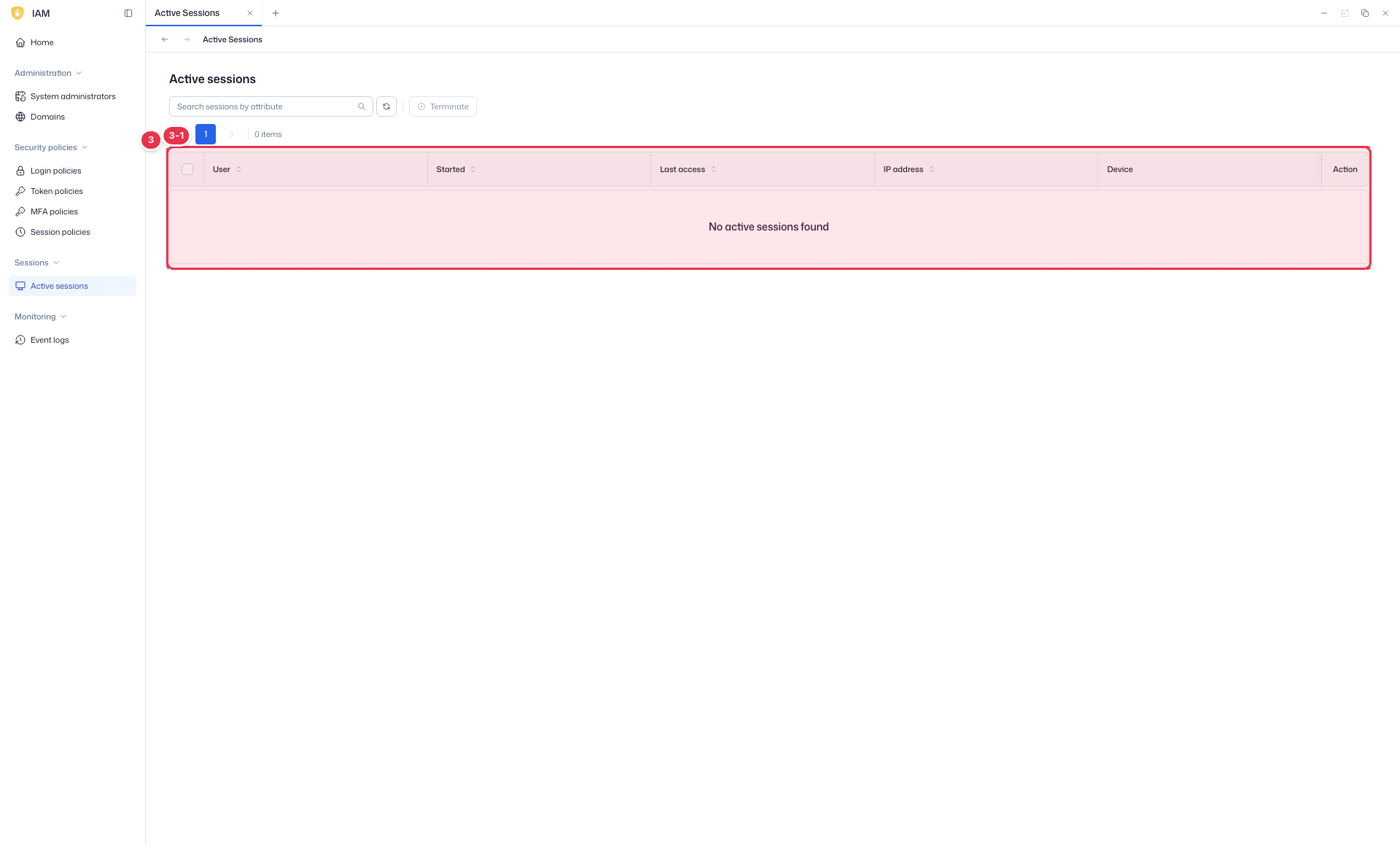
| No. | Feature | Item | Description |
|---|---|---|---|
| 3-1 | Columns | User | Session user. |
| Started / Last access | Start time / last access. | ||
| IP address / Device | Connection IP / device. | ||
| Action | Terminate (force end). |
Terminating a session
Force-end a suspicious session with Terminate in its row. A terminated session is signed out immediately.
- Individual: terminate a single session.
- Per-user: terminate all active sessions of a specific user at once.
- Bulk: multi-select in the list and terminate together.
The session list auto-refreshes about every 1 minute.
Next steps
- Session policies — session lifetime policy
- Event logs — review session-related events